Wondering what concept art really is and how it gets made? It is illustration that settles the look of a film, game or story before the final product exists, built through repeated, rough-to-polished exploration.
| Item | Value |
|---|---|
| What it is | A form of visual art that conveys an idea before the final product exists |
| Earliest cited use of the term | Walt Disney Animation Studios, as early as the 1930s |
| How it develops | Through several iterations |
| Who sees it | Directors, clients and investors |
| Software named as popular | Photoshop, Corel Painter, Clip Studio Paint, Procreate, ArtRage |
These figures come from Wikipedia’s concept art article, which marks some statements as needing citations. Details can change, so check the source before you rely on them.
What concept art is and what it is for
Concept art is, in Wikipedia’s wording, a form of visual art used to convey an idea for use in film, video games, animation, comic books, television shows, or other media before it is put into the final product. It is a working tool more than a finished gallery piece. Its job is to answer questions: what does this hero wear, how does this city feel, what would this machine look like if someone had to build it?
The same article notes that the term was used by Walt Disney Animation Studios as early as the 1930s. So the practice is old, even though the job title feels modern. Studios have long needed someone to draw the idea before anyone paints a set, sculpts a model or writes a line of code.
Concept art usually refers to world-building artwork used to inspire the development of media products. It is not the same as a storyboard, though the two are often confused. A storyboard plans how a story is told shot by shot, while concept art decides what the things inside those shots look like.
The questions concept art answers
- Design: shapes, materials, costume, colour and how a thing works.
- Mood: lighting, weather, palette and atmosphere.
- Feasibility: whether the idea can be built by a modeller, animator or set crew.
- Direction: whether the team agrees on one look before expensive work begins.
Where concept art sits in a production
Concept art lives early in a project, in what studios call pre-production or visual development. Wikipedia says it is used not only to develop the work but also to show the project’s progress to directors, clients, and investors. That makes it part design tool and part communication tool.
In a typical game or film, the artist receives a written brief, a script excerpt or a conversation with an art director. They return drawings and paintings that interpret that brief. Others then take those images and turn them into models, sets, costumes, animation or level layouts.
Creative Bloq puts the humility of the process well: the piece it describes could be a scratching that helped explain an idea to the art director, or a design that was completely wrong. Both outcomes are useful. A wrong design that gets rejected quickly saves a team from a costly wrong turn later.
Who the artist works with
Concept artists usually answer to an art director or production designer, who holds the overall vision. They also talk to writers, modellers, animators and level designers who need practical answers from the drawing. Wikipedia adds that many concept artists work in a studio or from home remotely as freelancers.
Wikipedia also observes that interpretation is where the concept artist’s individual creativity is most evident, but subject matter is often beyond their control. In practice you rarely choose the project. You choose how well you solve the problem you are handed.
The main disciplines of concept art
Concept art is a family of specialities rather than one skill. Most artists lean towards one or two, though the fundamentals overlap. Each of the areas below has its own deeper guide on this site.
- Characters: heroes, villains and crowds, where character design combines personality, costume, anatomy and story into one readable figure.
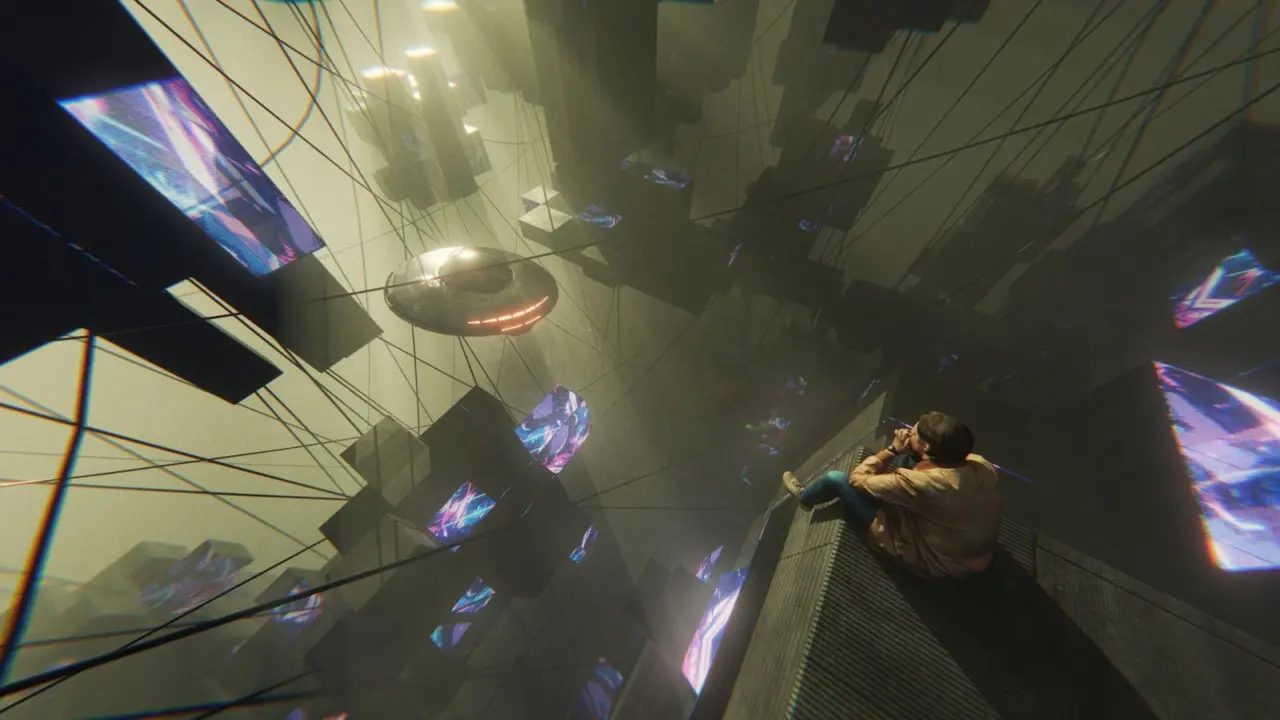
- Environments: places, architecture and landscapes, where environment design sets scale, light and the feeling of a world.
- Creatures: animals, monsters and fantasy beings, where creature design asks how a believable body would move, eat and live.
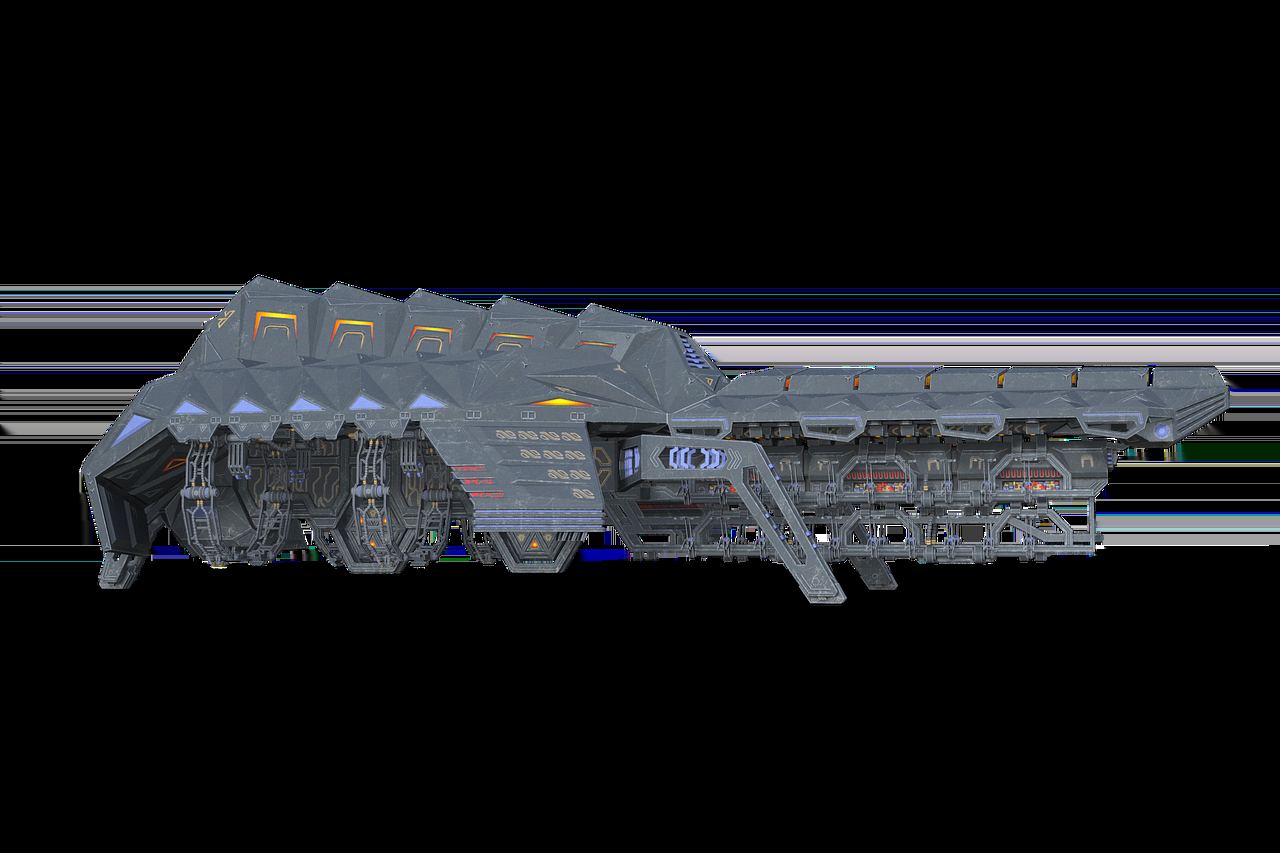
- Props and vehicles: weapons, tools, machines and set dressing, where prop design must be both striking and buildable.
Some studios also use keyframe or mood painters, who produce a single polished image that captures a key moment. Others use matte painters; Wikipedia notes that later pieces, such as matte paintings, are produced as realistically as required. Early pieces are looser, later ones tighter.
Why one speciality is a good start
Trying to cover everything at once makes it hard to build depth. Pick one area, learn its vocabulary and practise it until your work reads clearly. Breadth can come later, and many working artists cross over as projects demand.
How a concept art piece is made
Wikipedia states that concept art is developed through several iterations, and that concept artists are expected to draw many iterations of the same concept. That one fact shapes the whole method: you explore widely first, then narrow. The full step-by-step is covered in the guide to the concept art workflow, but the outline is simple.
- Read the brief. Note what is fixed (setting, tone, function) and what is open.
- Gather reference. Collect real photographs, materials, history and anatomy so the design feels grounded.
- Thumbnail. Make many small, fast sketches to test big ideas cheaply.
- Refine. Choose a few promising directions and develop their shapes, proportions and details.
- Add value and colour. Establish light, contrast and palette to carry the mood.
- Review and revise. Take feedback from the art director and change what does not work.
- Hand off. Provide turnarounds, callouts or clean sheets so others can build from it.
Start with shape, not detail
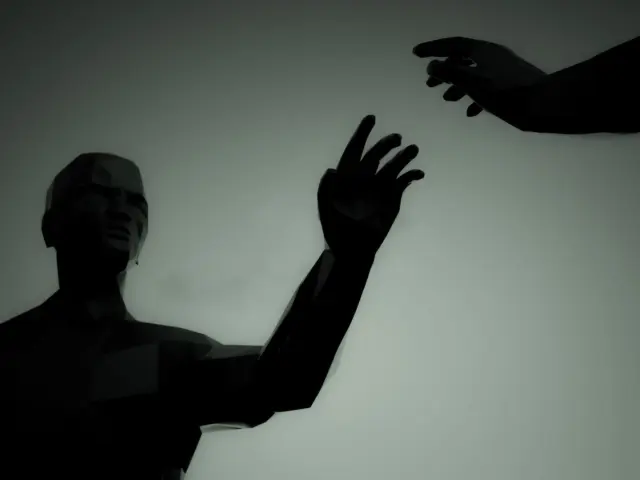
A strong design reads from far away. Thumbnails are most useful when they are small enough that you cannot hide behind rendering. Judging shape first is the idea behind silhouette design, where a solid black shape must already tell the viewer who or what they are looking at.
Once the shape works, add the interior: costume layers, material changes, wear and tear, and storytelling details. Detail that does not support the idea only adds noise. If a feature does not tell the audience something, simplify it.
Speed matters
Wikipedia notes that a lot of concept work has tight deadlines where a highly polished piece is needed in a short amount of time. That does not mean sloppy work. It means you learn to decide quickly, reuse good habits and show the idea clearly without overworking it.
Skills and tools that matter
Software is a means, not the skill itself. The foundations are older than any program: drawing, perspective, light and shadow, colour, anatomy and composition. Wikipedia also says the ability to produce multiple styles is valued in a concept artist, which rewards flexibility over a single signature look.
Core skills to build:
- Drawing and perspective: placing objects convincingly in space.
- Values and lighting: controlling where the eye goes and what mood the image has.
- Colour: harmonies, temperature and local colour versus lit colour.
- Design thinking: asking how something works, who made it and why it looks as it does.
- Communication: presenting clearly, taking notes and iterating without ego.
Software
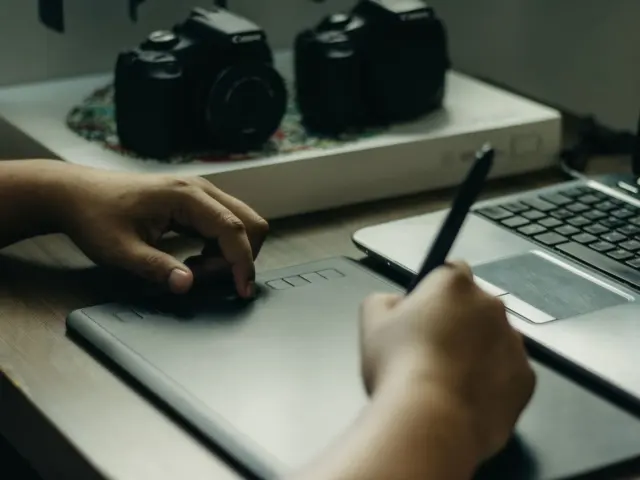
Wikipedia lists Photoshop and Corel Painter as popular programs for concept artists, and adds Clip Studio Paint, Procreate and ArtRage to the list. The right choice depends on your device, budget and habits. Our overview of digital art software compares the main options, and you can test several before committing.
Whatever you choose, learn layers, selections, brushes, blending modes and shortcut keys until they are automatic. The tool should disappear so your attention stays on the design. Traditional pencil and paper stay valuable for quick thinking, and many artists still thumbnail on paper.
Related craft
Concept art overlaps with general picture-making. Composition, rendering and paint handling are shared with illustration, so it helps to study illustration techniques alongside design-specific practice. The difference is purpose: an illustration often is the final product, while concept art is a step toward one.
Building a path into the field
There is no single entry route. Artists arrive through art school, self-study, online courses or related jobs, and studios mostly judge what you can show. A step-by-step plan is laid out in the guide on how to become a concept artist.
The most important asset is your body of work. A focused concept art portfolio shows process as well as polish: thumbnails, variations and finished pieces that solve a clear problem. Quality beats quantity, and a small set of strong, coherent projects usually serves you better than a large scattered gallery.
Practical habits
- Set yourself fictional briefs with clear constraints, such as a character for a specific world.
- Draw from life and from reference every week to keep your visual library growing.
- Seek critique from other artists and apply it to the next piece.
- Study finished films and games and ask which design choices made them readable.
- Finish some pieces to practise refinement and delivery alongside experimentation.

Setting realistic expectations
Roles, pay and hiring vary widely between studios, countries and years, and this guide does not quote salary figures because they shift quickly. Treat any number you find as a snapshot and check its date. Many artists also mix studio work, freelance commissions and personal projects over a career.
How concept art differs from nearby disciplines
People often mix concept art with neighbouring jobs, so it helps to separate them. The boundaries blur in small teams, but the intent of each piece is different.
- Storyboarding: plans camera angles, timing and action across a sequence.
- Illustration: usually the finished image itself, made for a book, poster or article.
- Modelling and sculpting: turns a design into a three-dimensional asset a game or film can use.
- Matte painting: builds finished backdrops that appear on screen.
- Key art: promotional imagery that sells the finished product.
Concept art sits upstream of most of these. It supplies the decisions they depend on. A modeller without a clear design must guess, and a guess made late in production is expensive to correct.
Design first, rendering second
Many beginners judge concept art by how glossy it looks. Studios judge it by how well it communicates. A quick painting that shows a clear silhouette, a believable material and a mood can beat a meticulously rendered image that leaves the team with questions.
This is why callouts matter. Small notes and detail crops beside the main image explain a buckle, a hinge or a fabric, and they make the design easier to build. Think of the sheet as instructions as well as art.
How to study and improve
Improvement comes from deliberate practice rather than hours alone. Choose one weakness at a time, such as values or perspective, and design your next few exercises around it. Short, focused studies beat long unfocused sessions.
- Study masters and professionals. Copy small sections of paintings you admire to understand edges, colour shifts and brush choices, then apply the lessons to original work.
- Do timed exercises. Short limits teach you to commit to decisions and to see big shapes first.
- Design with constraints. A prop that must be held in one hand, or a house built from local stone, forces inventive answers.
- Review your own work. Flip the canvas, shrink it to thumbnail size or view it in greyscale to spot weak shapes and values.
- Ask for feedback. Show unfinished work to peers and note which questions they ask, since those point to unclear design.
Use reference well
Reference is not cheating; it is how professionals ground a design in reality. Gather several images for each idea, such as materials, clothing, architecture, animals and lighting conditions. Then combine and abstract them so the result belongs to your design rather than to a single photograph.
Keep a personal library of reference and of your own sketches. Over time it becomes a source of ideas that you can pull from quickly when a deadline arrives. Note where each image comes from and respect the rights of the creators.
Think about story
Good design carries a story. A worn boot suggests a long journey, a patched wall suggests poverty or neglect, and a spotless uniform suggests discipline or vanity. Ask what has happened to your subject before the viewer sees it, and let the answer show in the shapes and surfaces.
Common mistakes to avoid
A few errors show up again and again among newer artists. Recognising these mistakes can help you focus your practice.
- Polishing too early. Rendering a weak idea does not rescue it; explore first.
- Ignoring function. A beautiful vehicle that could not carry anyone or a costume nobody could move in will frustrate the team that builds it.
- Copying reference too closely. Use reference to inform design, not to replace it.
- Skipping variations. One idea is a guess; several ideas are a choice.
- Taking notes personally. Revision is the job, not a verdict on you.
Treat each of these as a habit to adjust rather than a flaw in talent. Steady, deliberate practice can help you address these habits over time.
A simple weekly routine
Consistency matters more than intensity, so a modest routine you can keep is worth more than an ambitious one you abandon. Here is one way to structure a week of practice.
- Warm up: fill a page with quick shape and gesture studies before you start serious work.
- Design session: take one brief and produce a page of thumbnails, then develop your best two.
- Fundamentals session: spend time on perspective, anatomy, values or colour exercises.
- Study session: analyse one film still, game screenshot or painting and note why the design works.
- Finish and share: complete one piece, collect feedback and write down what you would change next time.
Adjust the balance to your needs. If your anatomy is weak, give it more time; if your ideas feel stale, spend more on reference and study. Review the routine every few weeks and keep what works.
Frequently asked questions
Is concept art the same as a storyboard?
Show answer
No. Wikipedia notes that concept art is not the same as a storyboard, though they are often confused. Concept art defines how characters, places and objects look, while storyboards plan the sequence of shots.
Do I need to draw traditionally before going digital?
Show answer
Not strictly, but drawing fundamentals transfer directly. Perspective, values, colour and anatomy matter in any medium, and many artists build them with pencil and paper before or alongside digital painting.
Which software should a beginner use?
Show answer
Wikipedia names Photoshop, Corel Painter, Clip Studio Paint, Procreate and ArtRage as programs used by concept artists. Choose the one that suits your device and budget, then learn it deeply instead of switching often.
Can concept artists work from home?
Show answer
Many do. Wikipedia says many concept artists work in a studio or from home remotely as freelancers, though working arrangements differ between employers.
How many versions of a design should I make?
Show answer
Plenty, and the rule of thumb is to keep exploring until a clear winner appears. Start with quick thumbnails, compare them side by side and narrow toward the strongest ideas.