Stuck on graphics tablet vs pen display? Choose a screenless tablet if budget and portability matter most. Choose a pen display if drawing directly on the image matters more to you.
This guide sits inside our wider look at digital art software, because the hardware you pick shapes how you use it.
| Item | Value |
|---|---|
| Pen tablet cost | A fraction of the price of pen displays |
| Pen display cost | Much more than pen tablets |
| Pen tablet screen | None; you draw while looking at a monitor |
| Pen display needs a computer | Yes, it still connects to one |
| Pressure levels, minimum for digital art | 8,192 |
| Pressure levels, enough for note-taking | 4,096 |
The figures come from TourBox’s comparison and Creative Bloq’s spec guide. Prices and specs change, so check the sources before you rely on them.
What is the real difference between the two?
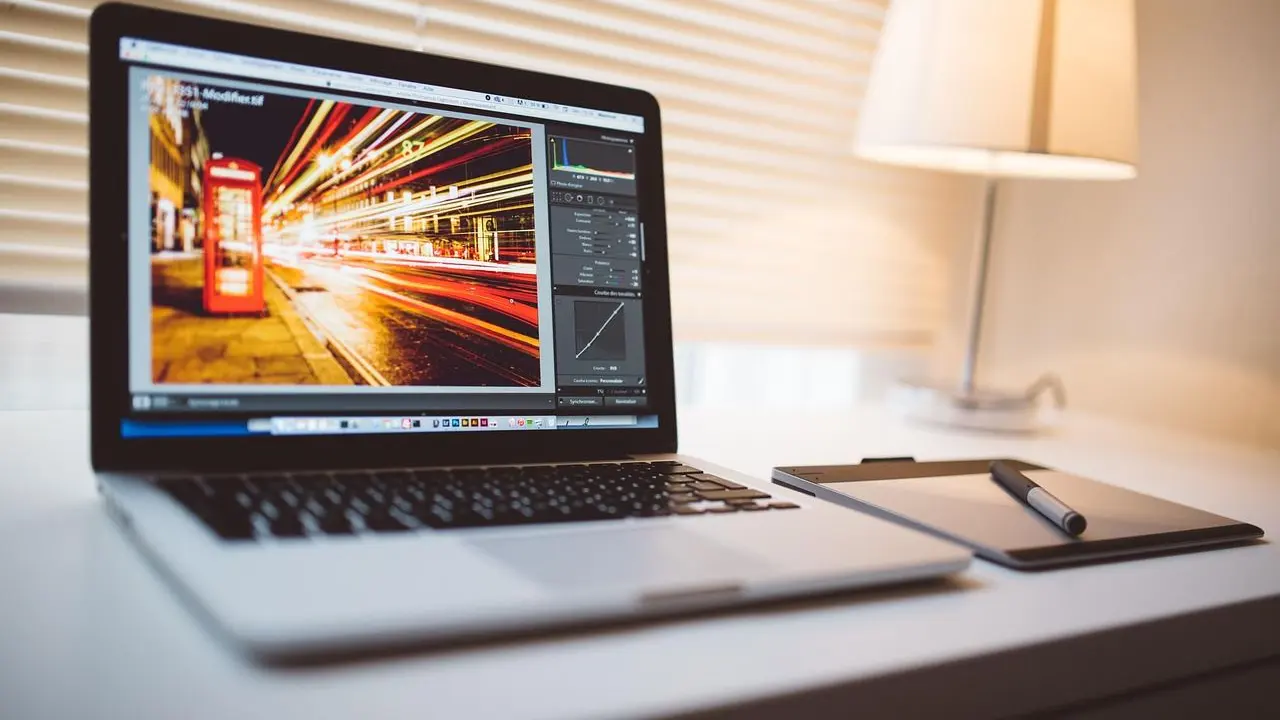
A graphics tablet (also called a pen tablet) is a flat pad with no screen. You move the pen on the pad and watch the result on your monitor.
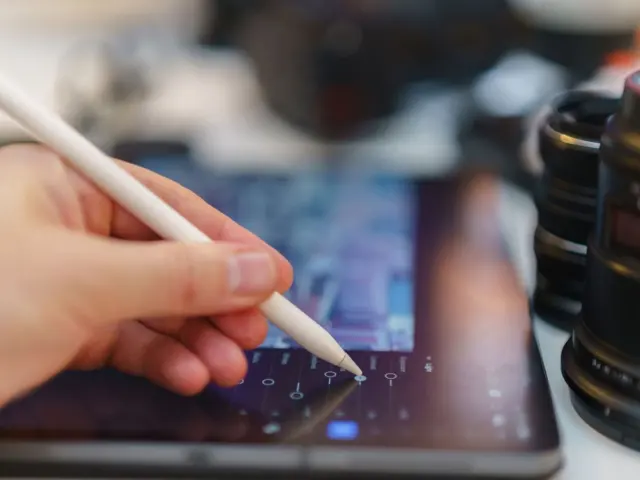
A pen display has a screen built in, so you draw straight onto the image. It still has to connect to a computer, as Creative Bloq’s guide points out.
Everything else follows from that one choice: price, desk space, posture, learning curve and portability.
How does drawing feel on each?
On a pen display, your hand and your eyes are in the same place. That feels natural if you come from sketchbooks, and it is why many illustrators want one.
On a pen tablet, your hand is in one place and your eyes are on another. Adjustment time varies; a pen tablet lets you draw while looking at a separate monitor.
Here is how the two compare in daily use:
- Hand-eye link: direct on a pen display, indirect on a pen tablet.
- Posture: a pen display often pulls you into a hunch unless you add a stand; a pen tablet lets your monitor sit at eye level.
- Visibility: on a pen display your hand can cover the part you are working on; on a pen tablet the whole canvas stays in view.
- Desk space: a pen display is a large object; a small pen tablet fits beside a keyboard.
What does it cost, and what are the hidden costs?
TourBox’s comparison says pen tablets cost a fraction of pen displays. It also notes that even entry-level pen displays can be pricey and top models cost several times more.
Beyond the sticker price, think about the extras:
- A monitor, if you do not already own one, for a pen tablet.
- A computer that can drive the display, since a pen display is not standalone.
- A stand or an adjustable desk setup to help position the pen display comfortably.
- Spare nibs, which wear down on any surface, and more quickly on a textured one.
If you are still choosing a first device, our guide to the best drawing tablet for beginners goes into specific models and budgets.
Which specs actually matter?
Spec sheets are noisy. Creative Bloq says it has become a numbers game, with brands advertising 4,096, 8,192 or 16,384 pressure levels.
Its verdict is practical: 8,192 is a sensible minimum for digital art, and the gap between 8,192 and 16,384 is hard to notice in everyday use. 4,096 is fine for note-taking.
Things worth more of your attention:
- Accuracy: Creative Bloq’s author would take better accuracy over more pressure levels every time.
- Edge tracking: cheaper devices can drift slightly near the edges of the active area.
- Lag and driver quality: a wobbly cursor on slow strokes is more noticeable than a bigger pressure number.
- Parallax: a pen display’s glass can leave a small gap between pen tip and line.
Parallax, portability and durability
TourBox notes that a pen display’s glass can create a small parallax, a slight gap between the pen tip and the actual line. A pen tablet has none, because you are not looking at the pad. Many sellers say a laminated screen reduces the gap, but you should read reviews of the exact model.
On portability, TourBox says pen tablets are durable and portable because there is no display to break. Pen displays, by contrast, are not very portable. If you travel with your kit or sketch on the sofa, that matters.
Which should you choose?
Pick a pen tablet if any of these sounds like you:
- You want to test digital art before spending much.
- You already have a good monitor.
- You need something light for a small desk or for travel.
Pick a pen display if you draw mostly from observation or line work and the direct link to the image is worth the extra money. It also suits you if you plan to do this work often enough to justify a bigger purchase.
Software matters as much as the device. Many beginners start with free digital art software to learn pressure control before they commit to paid programs.
A standalone tablet is a third option. Creative Bloq says it is brilliant for portability but not always a replacement for a desktop pen display on a larger canvas or a colour-critical workflow.
How to decide with your own habits
Hardware specs only go so far. Your working habits are a better guide, so ask yourself a few honest questions before you buy.
First, think about how you draw today. If you sketch on paper with your head bent over the page, a pen display will feel familiar. If you already work on a computer and look at the screen while your hand moves a mouse, a pen tablet may feel like a small step.
Second, think about where you work. A shared desk, a small flat or a commute argues for the smaller, simpler device. A fixed studio corner with a good chair makes a pen display easier to live with.
Third, think about what you make. Concept art and illustration often mean long sessions of painting, line cleanup and paint-overs. Those jobs reward comfort, so try to picture your posture after a few hours.
A low-risk way to start
You do not have to settle the question for good. Many artists begin with an inexpensive pen tablet, learn the basics of pressure and stroke control, and move to a pen display later if they miss drawing directly on the image.
The skills carry over, because both devices use a pen that senses pressure and works with the same painting programs. Money spent on a first tablet is rarely wasted, since it stays useful as a spare or a travel option.
Questions to ask before you pay
- Does the model work with your computer and your painting program?
- Is there a return window, so you can test the feel of the pen?
- Do reviews of this exact model mention drift at the edges or driver trouble?
- Do you have a monitor and a computer that suit it?
Frequently asked questions
Is a graphics tablet harder to learn than a pen display?
Show answer
There is a short adjustment because you look at the monitor, not your hand. Most people get used to it with regular practice.
Do I need a computer for a pen display?
Show answer
Yes. Creative Bloq says a pen display still needs to connect to a computer, unlike a standalone tablet.
Are more pressure levels better?
Show answer
Not necessarily. Creative Bloq says 8,192 is a minimum for digital art, and the step up to 16,384 is hard to perceive in daily use.
Does a pen tablet have parallax?
Show answer
No, since the pad has no screen under the pen. Parallax is a pen display issue, caused by the glass over the screen.